How to replace paper and seven-segment LED displays
for 800 employees with a digital experience
When we implemented our Production Management System on the prodution floor of our lates bakery customer, their whole production was run on paper.
This included production orders that were printed out each day, customer orders, recipes and instructions, QA and so on. They employed around 20 employees that would do nothing else than filling out excel sheets for printing.
Notable exceptions were dough makers that had stored recipes locally on them and a picking distribution system called “Toolbox“ that helped staff to pick items for the correct destination.
Our task was to replace all the old systems and paper workflows with something paperless, real-time and user friendly (talk about clear requirements :) )

All orders would go here, with the display on top telling operators where things should go

Customer Orders. Hope you don't lose any.

For some items, a receipt had to be printed out, so they could take it with them to find the right item and location
Our first approach was to replace the seven-segment displays with tablets, that were installed. We built a prototype to try the approach. It quickly became clear that this approach only worked in some places, but not in others and was a bit flawed in other ways as well.

Testing the first prototype

So I came up with a new approach, which was first sketched and then prototyped. This was a simple tablet mount, that could be placed on a flat surface or hooked onto one of the box piles


The tablet holder prototype in action. This worked much better and went into production
This obviously only solved one step of the process. While we figured out the flows in the backoffice application as a team, I went to work on the tablet flows, designing the interactions a few hundred operators would use every day to produce and distribute their goods.
Since our old tablet UIs did not support what I had in mind, I had to come up with a system that would work for the new flows, while keeping the old flows still functional. We did not have the time and resources to re-design everything, which is an approach I advise against anyway.
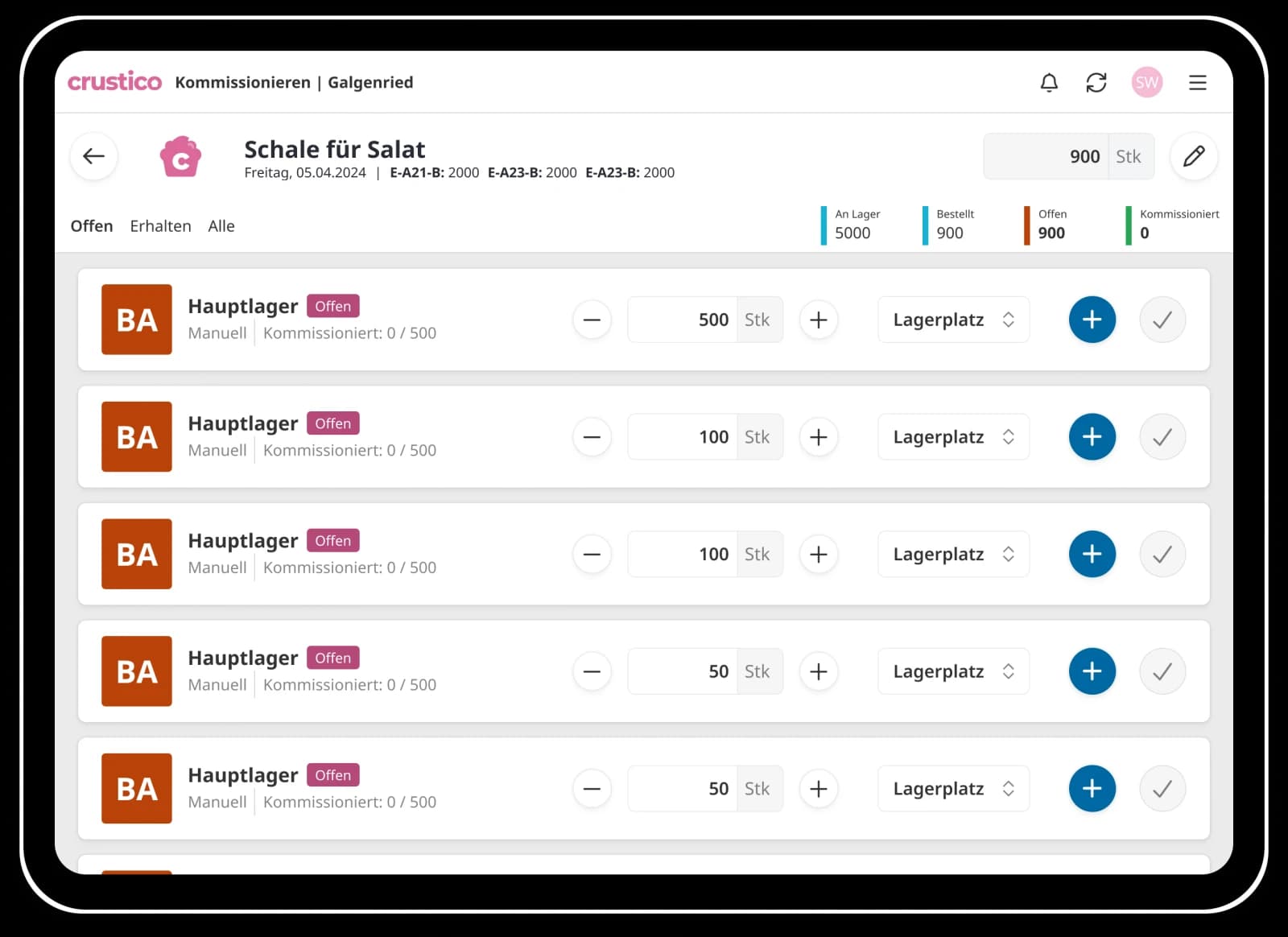

The picking functionality had to work on very small screens as well, in a cold environment, sometimes with gloves on.